

How to Create a New Custom Meta Boxes?
Crafto includes built-in functionality to create Meta Boxes, so you don’t need to install a separate plugin like CPT UI. Here’s how you can create a custom meta box directly from the Crafto interface.
- Navigate to Crafto > Meta Boxes.
- Click the Add New Meta Box button at the top.
- Meta Box Title: Give your box a name (e.g.
Property Design). - Meta Box For: Select Post (for blog posts or custom post types like Property).
- Enable for Post Types: Choose where this box should appear. Example: Select “Property”
- Label: What users see (e.g. Design).
- Name/ID: Use lowercase letters, no spaces(e.g. design).
- Click on Add Meta Box to save.


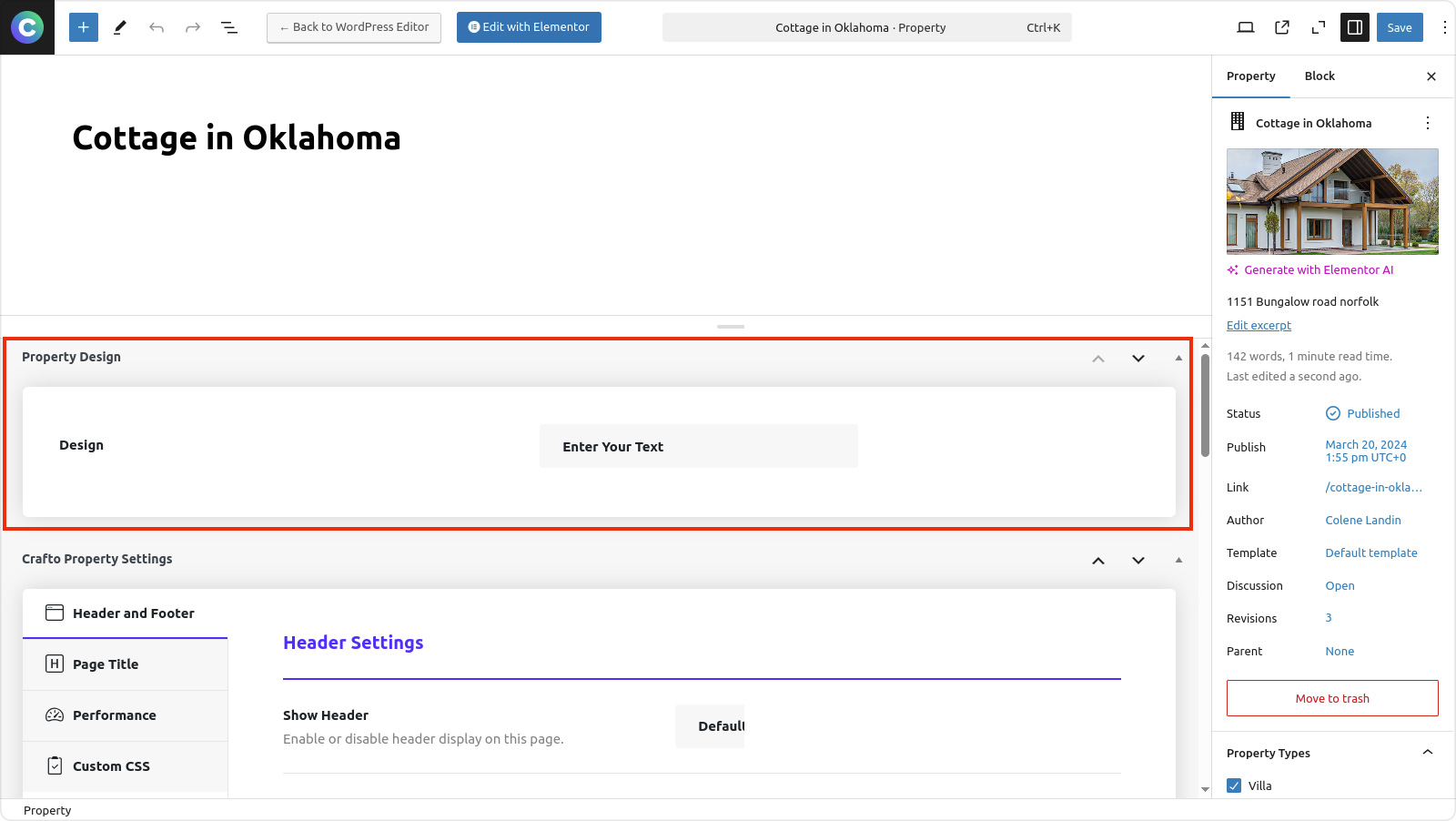
Edit a Property post, your new meta box (with the field like “Design”) is appear here.
How to Display Custom Meta Data Using Dynamic Tags in Crafto Theme
- Go to WordPress Dashboard > Property > Edit any property post.
- Scroll down to the Meta Boxes section.
- Enter the value in your custom meta field (e.g. “Design” field), then click Update.
- Click Edit with Elementor on the same property post.
- Edit a Crafo Heading or Text widget to your desired section.
- In the Content tab, click the database icon next to the “Heading” field.
- Select Post Custom Field from the dynamic options.
- Under Settings > Crafto Meta Key, choose your custom meta key from the dropdown.
- Example:
crafto_custom_designif your field ID wasdesign. - The value saved in the meta field will now display dynamically on the front-end for property post.

